
Bluesky Video Quality and MP4 Downloads Explained
Learn how Bluesky processes MP4 video, why posts use playlist-based playback, what affects video quality, and how to save public clips with Bskytool.
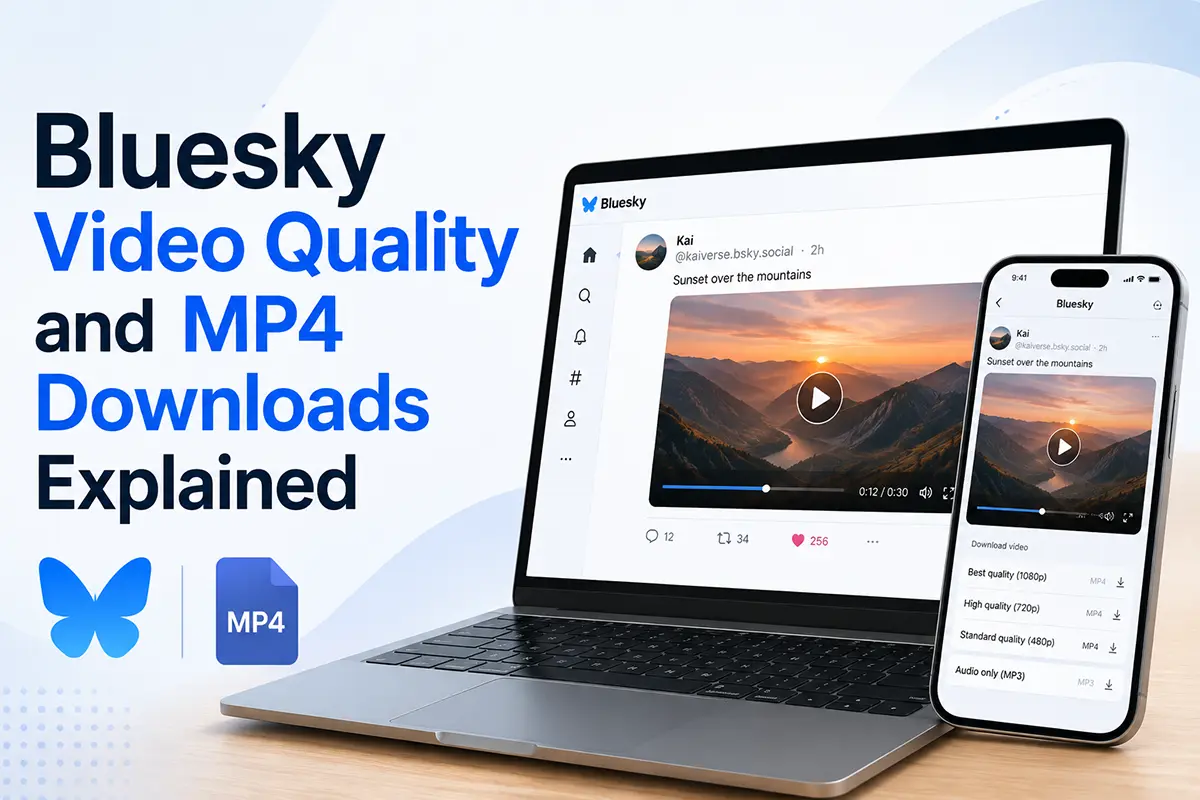
A Bluesky video looks simple in your feed: press play and it starts. Saving that same video is less obvious. Right-clicking often produces no useful download option, and opening the page source does not reveal one convenient MP4 link.
The reason is straightforward. Bluesky processes uploaded video for reliable playback and presents the playable result through a playlist. That approach is ideal for streaming, but it is different from linking directly to a single video file.
This guide explains the format Bluesky uses, what happens during processing, which factors affect the quality you see, and how to download a public Bluesky video as an MP4 with Bskytool.
The quick answer
- Bluesky's current AT Protocol video schema uses MP4 for video records.
- The schema allows an MP4 video blob of up to 300 MB.
- Bluesky processes video before it is ready to play in a post.
- The public video view exposes a playlist URL, which is why normal right-click saving is unreliable.
- As of 2026, Bluesky describes the current in-app video length as three minutes.
- Bskytool can read a public post link and present the available video as a normal MP4 download.
What video format does Bluesky use?
The official app.bsky.embed.video schema identifies the uploaded video as an MP4 file with the MIME type video/mp4. It currently sets a maximum blob size of 300 MB.
For creators, MP4 is also the most practical export choice. It works across modern phones, browsers, editors, and media players. If your editing app offers several export presets, choosing MP4 gives you the most predictable path from export to upload and later playback.
An MP4 file is a container, so the video and audio codecs inside it still matter. H.264 video with AAC audio remains a broadly compatible combination when you want a file that plays reliably across devices.
What happens after a video is uploaded?
Bluesky does more than attach the original file to a post. Its official video upload documentation describes a processing step handled by the video service. The service prepares an optimized version, stores the resulting video blob through the user's Personal Data Server, and returns a reference that can be included in the post.
This processing step has practical benefits:
- playback is more consistent across different devices and connections;
- the app can prepare the media before the post becomes visible;
- viewers receive a version designed for efficient delivery rather than the creator's untouched source file.
Because the published version has been processed, it may not be byte-for-byte identical to the file that was originally uploaded.
Why right-click saving often fails
Images are commonly delivered as one file, so a browser can expose a direct Save image as action. Bluesky video playback works differently.
The official video view schema includes a required playlist URL. A playlist tells the player where to retrieve the media needed for playback. The browser follows that playlist while the video runs instead of treating the post as a simple link to one obvious downloadable file.
That is why these approaches are unreliable:
- right-clicking the player may not show a useful save option;
- saving the playlist itself gives you a small text resource rather than a ready-to-watch video;
- copying a temporary media request may produce a link that expires or represents only part of the playback stream.
A downloader handles that delivery layer and gives you a normal media file instead.
What determines Bluesky video quality?
There is no single quality setting that applies to every post. The result depends on several parts of the publishing and playback path.
The uploaded source
A clear source file gives the processing service more useful detail to work with. Heavy compression, repeated exports, or enlarging a low-resolution clip before upload cannot create detail that was not present in the original.
Bluesky's processing
Bluesky prepares an optimized playback version. Compression makes video faster to deliver, but very fine texture, rapid movement, smoke, confetti, and low-light noise can be harder to preserve than a static scene or a talking-head clip.
The available playback rendition
The version served to a viewer can depend on what Bluesky has prepared for the post and what is available at download time. Bskytool lists the qualities returned for the public post so you can choose the best available option instead of guessing from the player.
For your own uploads, start with the cleanest practical source, avoid unnecessary re-exports, and use a broadly compatible MP4 preset. Those choices will not prevent platform processing, but they reduce avoidable quality loss before the upload even begins.
How long can a Bluesky video be?
Bluesky's January 2026 product update refers to the current limit as three-minute videos. Limits can change as the app evolves, so the composer in the current Bluesky app remains the best final check before uploading.
The duration limit and the 300 MB protocol limit describe different things: one controls how long a video can run in the app, while the other controls the maximum size accepted by the video record schema.
How to download a public Bluesky video as MP4
You do not need to inspect network requests or install a video converter. Bskytool turns the public post URL into straightforward download options.
- Open the Bluesky post that contains the video.
- Open the post menu or share controls and choose Copy link to post.
- Go to Bskytool and paste the complete post link into the downloader.
- Select Download and wait while the public video information is retrieved.
- Choose the best available quality and save the MP4 to your device.
The downloader works in a modern browser on phones, tablets, and computers. No account or software installation is required. For screenshots and device-specific instructions, follow the step-by-step Bluesky video download guide.
Can Bskytool download private or unavailable videos?
No. The post and its media must be publicly accessible. A video may be unavailable when:
- the post or account has been deleted;
- the author has restricted public access;
- the post requires a signed-in viewer;
- Bluesky is still processing the upload;
- the copied URL is incomplete or is not a Bluesky post link.
Bskytool does not sign in to a Bluesky account on your behalf and does not bypass access controls.
Do you need a separate video converter?
Usually not. If your goal is to save a public Bluesky clip in a widely supported format, choose an MP4 option directly from the Bskytool results. The downloaded file can be opened by standard gallery apps, browsers, and video players without another conversion step.
Conversion may still be useful for a specific editing workflow, but it is not required simply to watch or archive the clip on your own device.
Download responsibly
Being able to save a public video does not change who owns it. Download only media you created, have permission to use, or are otherwise legally allowed to save. Credit the creator when sharing is permitted, and do not republish someone else's work in a misleading or harmful context.
Summary
Bluesky uses MP4 video records, processes uploads for playback, and exposes the playable media through a playlist-based view. That delivery model explains why a post can stream smoothly while still lacking a simple right-click download.
For a public post, the easiest route is to copy its Bluesky link, paste it into Bskytool, and select the best available MP4 quality. You get a familiar video file without manually handling playlists, temporary media requests, or extra converter software.